


Product Description
Related Youtube Videos
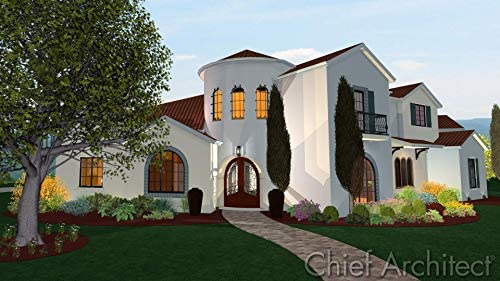
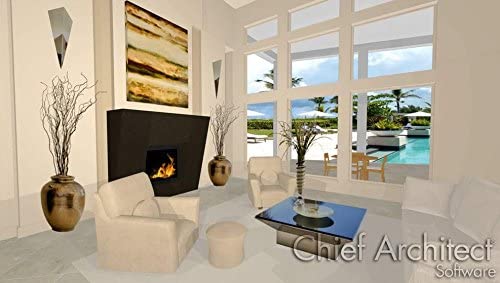
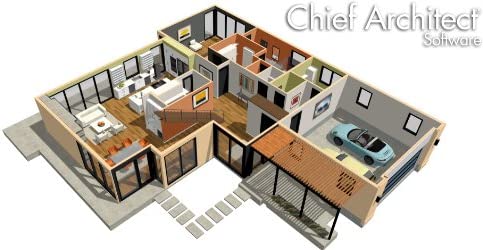
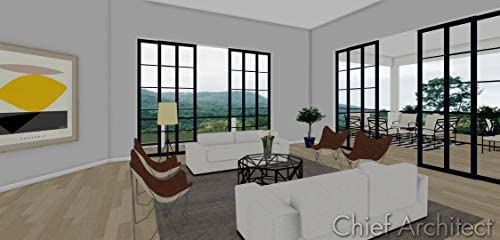
Take a virtual tour and use 3D views to see what your project will look like before you build
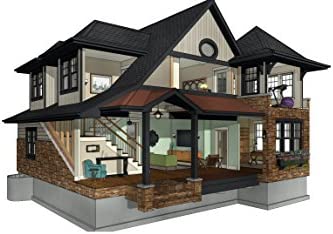
Design in 2D and 3D or both simultaneously; use built-in style templates; 60,000+ library items
Intuitive design and smart building tools for your home projects; powerful deck and patio tools; Plant Chooser offers 3,600+ plant options
Get started quickly with easy how-to videos that offer step-by-step instructions. Includes 1-year of free technical support
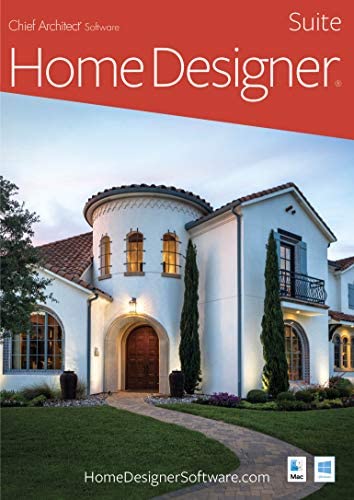
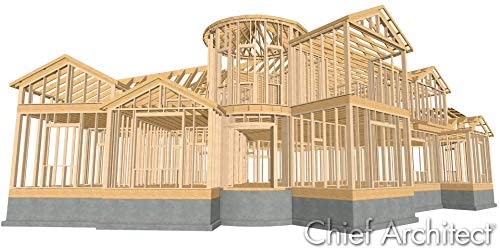
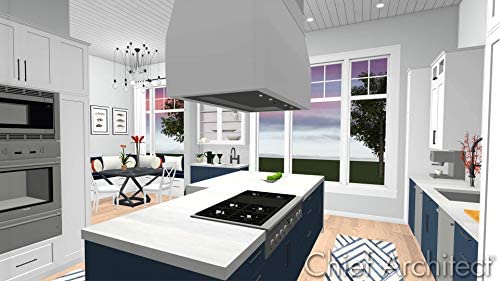
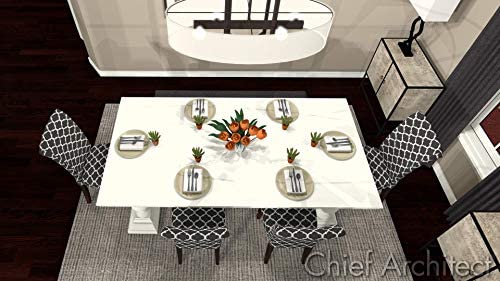
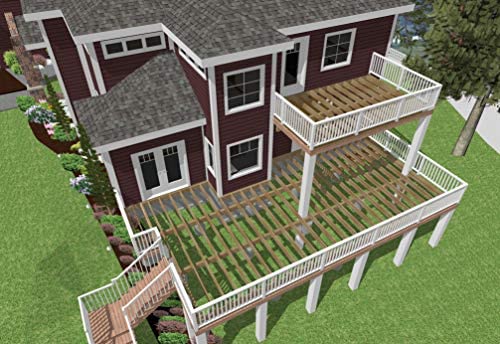
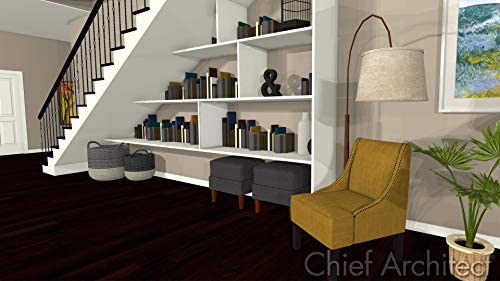
Home Designer Suite is 3D home design software for DIY home enthusiasts. Created by Chief Architect, so you can enjoy the same type of tools that the professionals use for home design, interior design, and outdoor living. Home Designer Suite offers intuitive design and smart building tools for your home projects. Home Designer Suite makes it easy to design and visualize your ideas with smart building and powerful design tools. The tools have commonly accepted defaults for most building practices to assist you in your home design projects. Home Designer automatically creates a 3D model as you draw the walls. And, in 3D you can continue design work – adding cabinets, placing furniture, painting walls or just visualizing your project. An extensive 3D Library of over 6,500 architectural objects make it easy so that styles, finishes and other design details can be accurately visualized. Home Designer uses smart design objects, such as cabinets, to quickly and easily create various styles, shapes and sizes. Create any style of cabinet by choosing colors, countertops, door styles, backsplash, crown molding and hardware. Home Designer includes automated tools to create site plans, landscaping, decks and patios. There are over 1,500 plants with detailed information about each plant including integrated Hardiness Zone Maps. Decking tools include automatic deck framing and a materials list for estimating. Get started quickly with easy how-to videos that offer step-by-step instructions; and free technical support. All Home Designer products include a 30-day money back guarantee. Minimum System Requirements: Operating System: Windows 10, Windows 8.1, Windows 8, Windows 7 Processor: 64-bit Memory: 4 GB Storage: 5 GB available space Additional Requirements: Video Card: 1. Dedicated Graphics with 1 GB memory e.g., NVIDIA or 2. Integrated Graphics e.g., Intel HD Graphics 8th Generation or newer; Internet access required for installation, license authentication, deactivation, video and library catalog access. Internet access for license validation is required once every 30 days
Related Searchs
Top Reviews
-
 Amazon Customer
2020-07-01T00:00:00This is an awesome architectural program. I found it easy to use as drawing wall and sizing rooms are very intuitive. This software was purchased for personal use but have already draw a house plan and printed a copy for the for a friend. There are cheaper programs that I have tried but you get what you pay for. Other programs are very limited or hard to learn but Home Designer is limited only by your imagination and easy to learn. Great software. I recommend it for builders, remodelers or draftsmen as well as those wanting to design their own dream home.
Amazon Customer
2020-07-01T00:00:00This is an awesome architectural program. I found it easy to use as drawing wall and sizing rooms are very intuitive. This software was purchased for personal use but have already draw a house plan and printed a copy for the for a friend. There are cheaper programs that I have tried but you get what you pay for. Other programs are very limited or hard to learn but Home Designer is limited only by your imagination and easy to learn. Great software. I recommend it for builders, remodelers or draftsmen as well as those wanting to design their own dream home. -
Sarah Taylor Lovell
2023-01-21T00:00:00I follow the directions to download the software, and when I select to download, it just loops me back to the original page to purchase. I've already paid for it, and it might have even charged me twice, so this is really frustrating. And of course, it's impossible to find any way to get support from Amazon.
-
ND P.
2021-04-25T00:00:00If you have never done CAD before there is a steep learning curve. You know what you want to do, just not how.
-
J. Turner
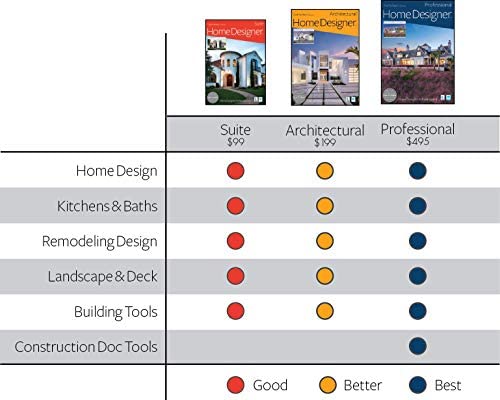
2022-07-08T00:00:00I bought the program and learned how to use it in a very short time. Having never used CAD, I was impressed with the ease of learning it. I worked with the program for a couple of months tweaking and altering my plans for a shed and for improving my retirement home. This required quite a few painstaking measurements and figuring out how to enter the current home into the cad. My first project was to build a garage/workshop. It all went ok until I tried to print the plans for both building and for submitting for a permit. You simply cannot print full plans from the suite version! (A side note, I upgraded the program twice at 29.00 each time.) Tech support informed me that I must have a pro version to do this. The upgrade is 495.00. If you want a video game to play with your plans, this is the program. If you intend to use it to actually build a structure, buyer beware! This program is a fancy waste of money that works but cannot deliver a product in the end.
-
2017RTP
2022-02-06T00:00:00Pros - It is a great program for automatic values and builds. Mostly more streamlined than free home design programs. Extensive materials list(but also a con with no "recent" selection) 3D effects are great(the glass house and framing cams are my favorite). Overall ability to edit things and items, also the feel of the experience when designing, are better than the free programs.
-
Pam B.
2023-01-25T00:00:00So I ordered this and it was an older version. After talking to Chief Architect customer service, they told me how to get the update for free. So customer service gets 5 stars! As for the product it was good for for the home DIYer, although I thought the version I used back in the 90s was more intuitive. Of course that was the full blown version. Thanks again Terry for the awesome customer support.
-
TW
2020-06-22T00:00:00I just purchased this product and downloaded from Amazon. I am designing a detached garage with apartment and doing a conversion of main home. First time opening informed update available, no big deal. I have created a simple 4 wall first floor and it crashes every time I try to add a second floor.. Sent a message to customer support and we'll see about their customer support.